If your TV bill keeps climbing, Pluto TV is worth a look because it gives you live channels at no cost. That matters when cable, satellite, and streaming subscriptions keep piling up every month. It is surprisingly easy to end up paying for a bunch of services you barely watch, then wondering where the money went.
Why Pluto TV Is a Smart Way to Save Money on Streaming
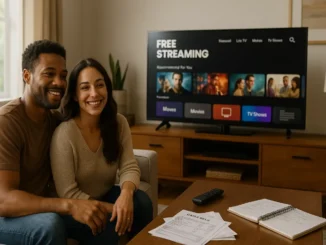
Pluto TV is a free, ad-supported streaming service with live channels and on-demand shows. You do not need a cable box, a contract, or a credit card just to start watching.
That makes it a handy option if you want to lower your TV bill without giving up the familiar feel of channel surfing. It is not a full cable replacement for everyone, but it can take a real bite out of your monthly costs.
What You Get With Free Live Channels on Pluto TV
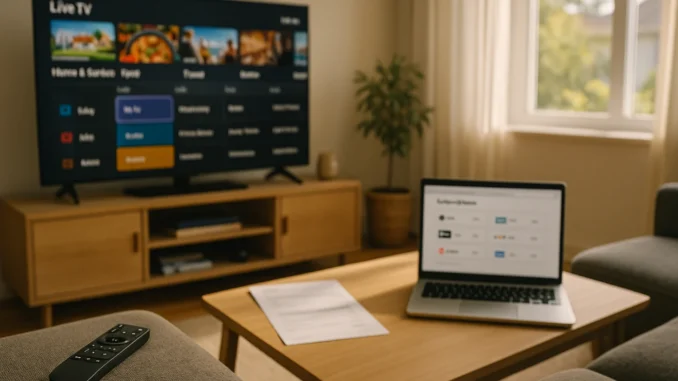
Pluto TV offers news, classic TV, movies, reality shows, comedy, and niche channels that run all day. The lineup changes often, so it feels a little like old-school TV, only without the expensive bill attached.
Because it is free, Pluto TV works well as a backup for cord-cutters who want something always on. If you mainly watch background TV, casual entertainment, or older series, it can cover more ground than you might expect.
What you will miss
You will not get every local channel, every premium sports game, or the exact same live broadcast lineup you had with cable. That is the tradeoff. If you rely on one specific channel every night, you should check whether a free service, antenna, or paid live TV option can cover it.
When It Makes Sense to Ditch Cable and Cut Cable Costs
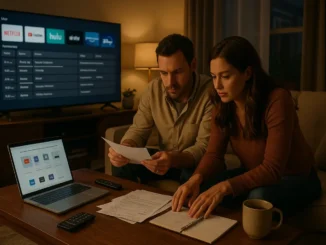
Cable and satellite still make sense for some households, especially if you want one bill and do not want to piece together apps. But for many families, the monthly total is way out of step with how much TV they actually watch.
If you are paying for channels you never open, a lower TV bill may be easier than you think. Canceling a cable package, or even downgrading to basic internet and a few apps, can save a lot over a year.
Here is a simple way to decide: add up cable, equipment fees, and internet, then compare that number with streaming, an antenna, and any live TV service you still want. The gap is often wider than people expect.
Streaming Services and Live TV Alternatives Worth Checking
Netflix, Hulu, Paramount Plus, and YouTube TV all have their own place in a smart budget. The real question is not which one is the best overall. It is which ones you actually use enough to justify the cost.
Netflix has raised prices over time, so it is worth asking whether you still need it this month. Hulu can be useful if you like current shows, especially with an ad-supported plan. Paramount Plus can be a smart pick if you want CBS access where available, plus other live and on-demand content. YouTube TV is solid for people who want a cable-like experience, but the price is closer to cable than most people realize.
Before renewing anything, check whether an ad-supported tier would be enough. A few ads may be a fair trade if it helps you save money on streaming every month.
Practical Ways to Lower Your TV Bill Fast
One of the easiest money-saving habits is rotating subscriptions month to month. Watch one service, cancel it, and move to the next when you finish the shows you care about.
Use free trials carefully, and set a reminder before the charge hits. If a plan allows sharing within your household, take advantage of it instead of paying for duplicate accounts. Also look for bundles that actually make sense, not just bundles that sound cheaper on paper.
Another good move is to keep a running list of what you watched last month. If a service did not get opened, it probably did not earn another billing cycle.
How to Replace Cable With a Mix of Free and Paid Options
For many people, the best setup is a blend of free live channels, a streaming app or two, and an antenna for local broadcasts. That mix can cover news, sports, and entertainment without locking you into a pricey cable contract.
If you want live channels like CBS, look at your local options first. An antenna may work well for over-the-air broadcasts, and Paramount Plus can help with CBS content depending on your plan and location. If you want a bigger live lineup, YouTube TV or Hulu + Live TV can fill the gap, but only if the extra cost still fits your budget.
FAQ: Cutting Cable and Saving on TV
Is Pluto TV really free?
Yes. Pluto TV is free to use because it is supported by ads, not monthly subscriptions.
Can I watch live TV without cable?
Yes. Free services like Pluto TV offer live channels, and paid options like YouTube TV or Hulu + Live TV can add local and sports channels if you need them.
Is Hulu still worth paying for?
It can be, but only if you watch it often. If it sits unused for most of the month, you may be better off pausing it or switching to a cheaper ad-supported plan.
What is the cheapest way to cut cable costs?
Start with free services, use an antenna for local channels, and keep only the streaming apps you actually watch. That usually cuts the bill faster than trying to keep cable and trim a few dollars here and there.
Should I cancel everything at once?
Not always. It is often easier to cancel the biggest, least-used service first, then see what you actually miss before making the next move.
If your entertainment budget feels bloated, start by trimming one paid service, turn on Pluto TV for free live channels, and see how much you miss after a month. That simple reset can show you whether cable was the problem or just one more habit worth changing.